
Best Manhwa Translator Tool for Korean Webtoons (AI-Powered)
Discover why Manhwa Translator is specifically built for Korean webtoons, handling 100+ page chapters, color-aware translation, and multiple formats.
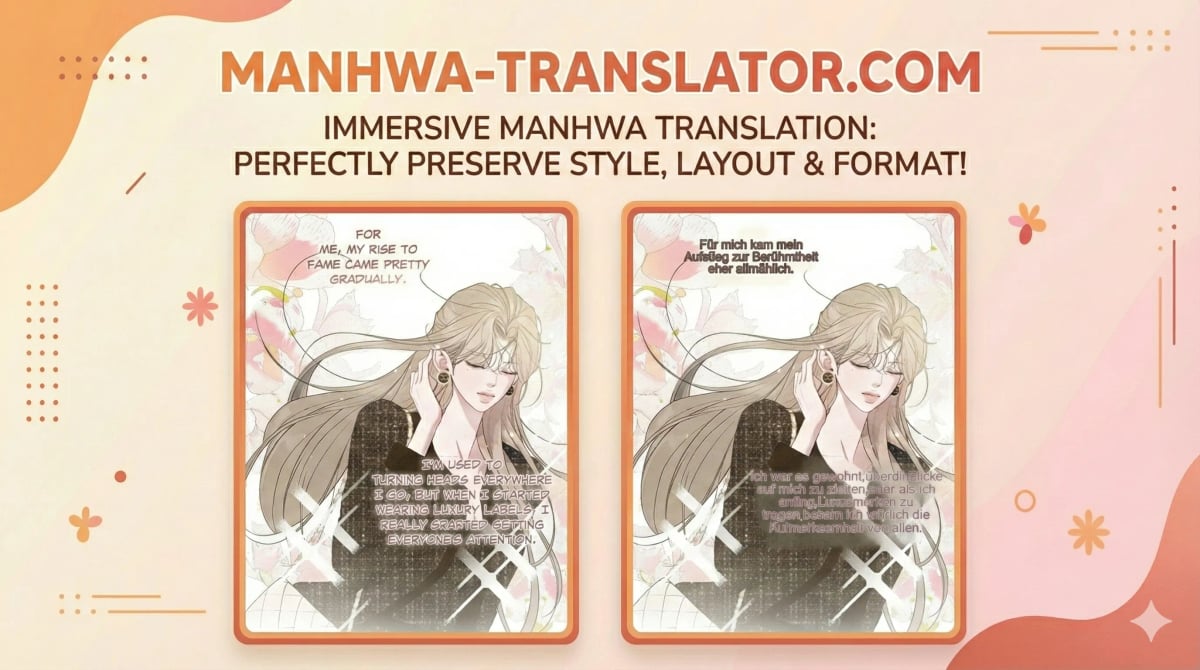
Hey everyone! I'm excited to share Manhwa Translator, a tool I built specifically for translating Korean webtoons (manhwa). Now, I know what you're thinking—"Another manga translator? Really?" But hear me out, because there's a good reason this exists.
Why Not Just Use a Manga Translator?
You'd think all comic translators would work the same way, right? Upload images, get translations, done. But here's the thing: manhwa and manga are fundamentally different beasts, and most translation tools out there are built with Japanese manga in mind.
Let me break down what makes manhwa special and why that matters.
What Makes Manhwa Different?
1. Processing Entire Chapters (100+ Pages at Once)
Here's the biggest pain point if you've ever tried translating manhwa with traditional tools: chapter length.
Japanese manga chapters typically have 20-30 pages. Manhwa chapters? Try 100+ pages. Sometimes even 150+.
With most manga translation tools, you'll find yourself sitting there, watching progress bars, waiting for each batch to finish. It completely kills the flow. You can't just sit down and binge-read your favorite series.
Manhwa Translator solves this differently. Upload your entire chapter—all 100+ pages—start the translation, and go grab a coffee. Come back in a few minutes, and boom, the whole chapter is ready. You get that immersive, uninterrupted reading experience you actually want.
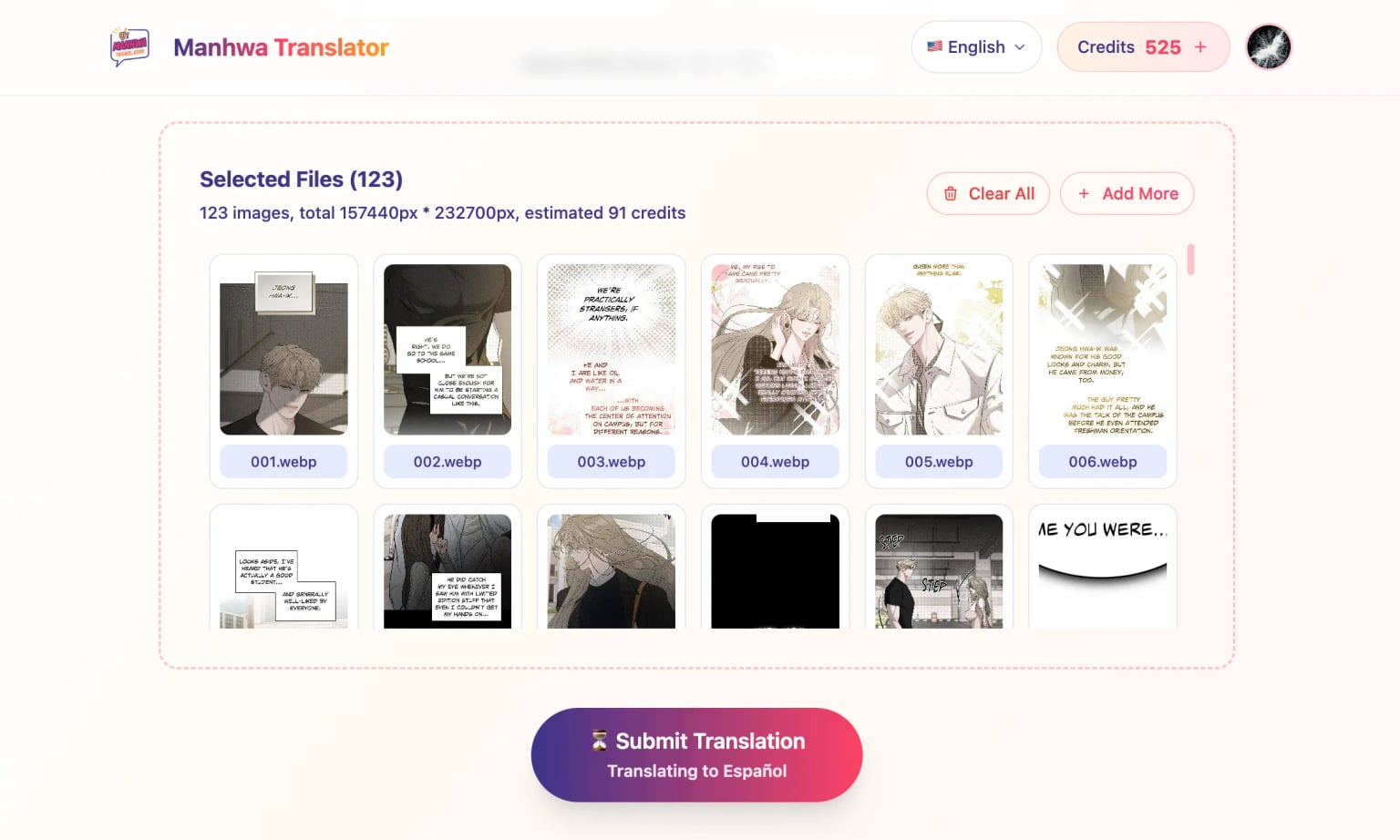
2. Smart Handling for Vertical Scrolling
Manhwa are designed for vertical scrolling—you know, that endless scroll format on Webtoon and similar platforms. This creates some unique challenges:
Cross-page text splitting: Because manhwa pages are so tall and often get split for storage/downloading, text bubbles sometimes get cut right down the middle. Super annoying, right?
Manhwa Translator automatically concatenates adjacent pages to make sure text bubbles aren't awkwardly split. No more half-sentences or weird breaks in dialogue.
Extra-long pages: Some sites concatenate multiple pages into one super-long image. This can break processing limits.
The solution? Manhwa Translator intelligently splits oversized pages into processable chunks before translation, then reassembles them perfectly afterward.
3. Color-Aware Inpainting
Unlike black-and-white manga, manhwa are full color. And not just any color—we're talking vibrant backgrounds, gradient text bubbles, stylized fonts in every color of the rainbow.
When you remove Korean text and replace it with English, you can't just slap white rectangles everywhere and call it a day. That looks terrible.
Manhwa Translator uses color-aware inpainting. It analyzes the original image, understands the background colors and text styling, and blends the translated text naturally. Your translations look professional, not like someone used MS Paint.
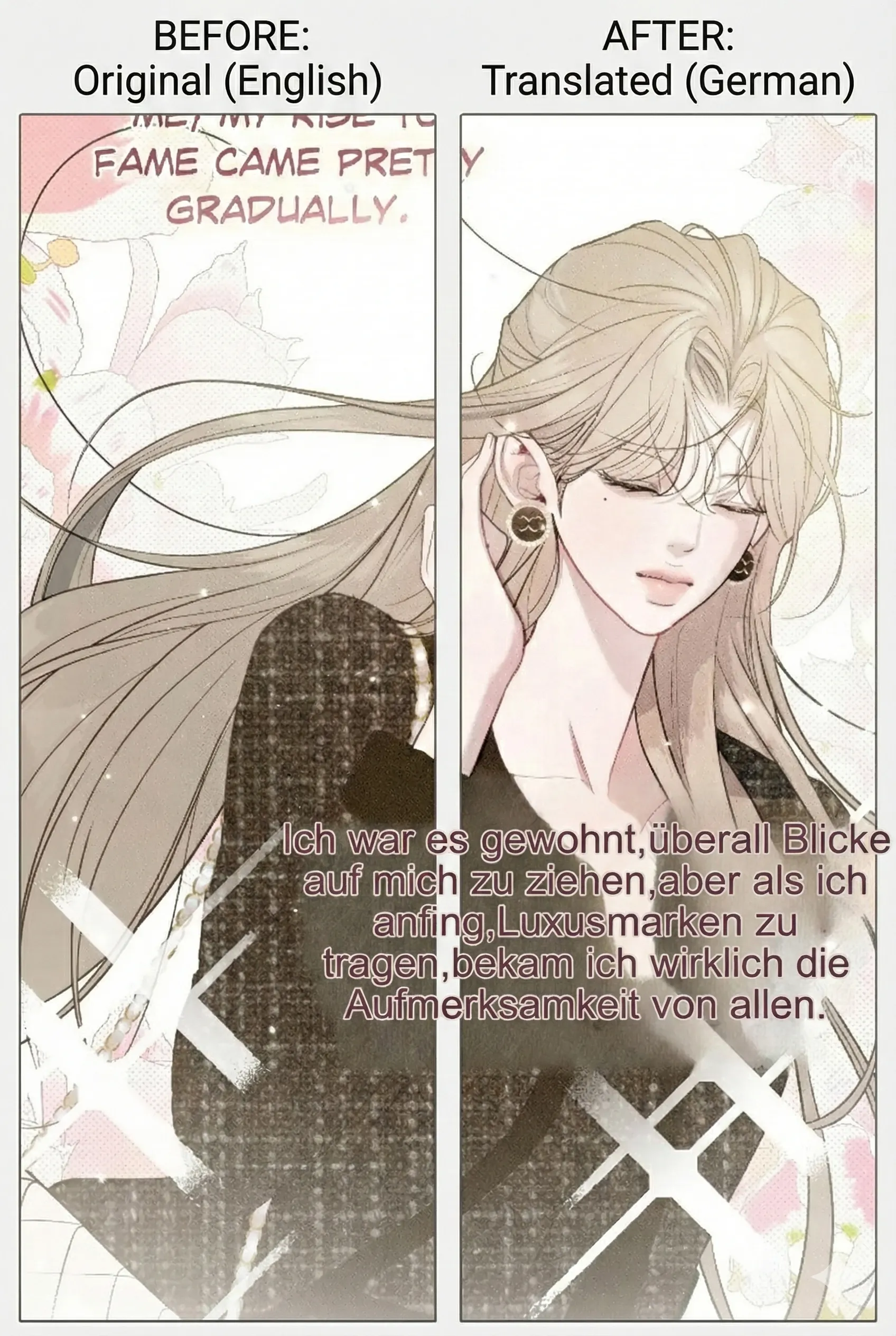
4. Multi-Format Support
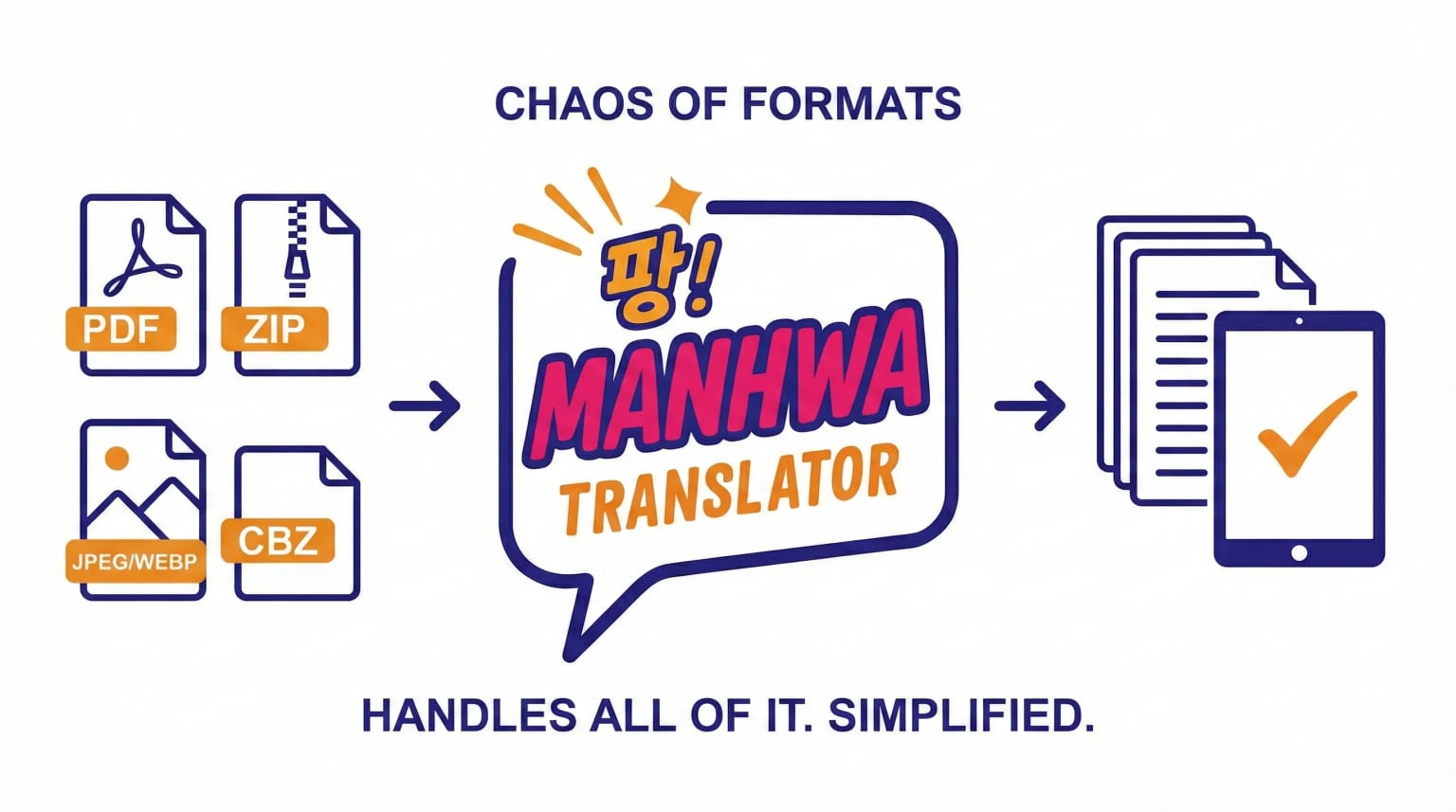
Manhwa come in all sorts of file formats depending on where and how you download them:
- PDF files
- ZIP archives
- Individual JPEG or WEBP images
- CBZ files (especially if you're using Mihon/Tachiyomi)
And within those formats, you'll find different image sizes, different compression levels, different folder structures—it's chaos.
Manhwa Translator handles all of it. Upload whatever format you have, and it'll figure out the rest. No need to manually extract, convert, or reorganize files.
The Bottom Line
Look, I built this tool because I was frustrated. I wanted to read manhwa in English without waiting forever or dealing with janky translations that didn't respect the original artwork.
If you're a manhwa reader who's tired of the same old tools not quite working right for webtoons, give Manhwa Translator a shot. You can start with a free trial to see if it works for your needs—no credit card required to test it out.
It's built from the ground up to handle everything that makes manhwa unique, and I think you'll notice the difference immediately.
Would love to hear your feedback if you try it out. Happy reading! 📚
Have questions or suggestions? Feel free to reach out—I'm always looking to make this tool better!