
The Ultimate Way to Read Manhwa on Android (Ad-Free & Translated)
Read Manhwa on Android ad-free. Translate Manhwa in English instantly with the ultimate Manhwa Translator.
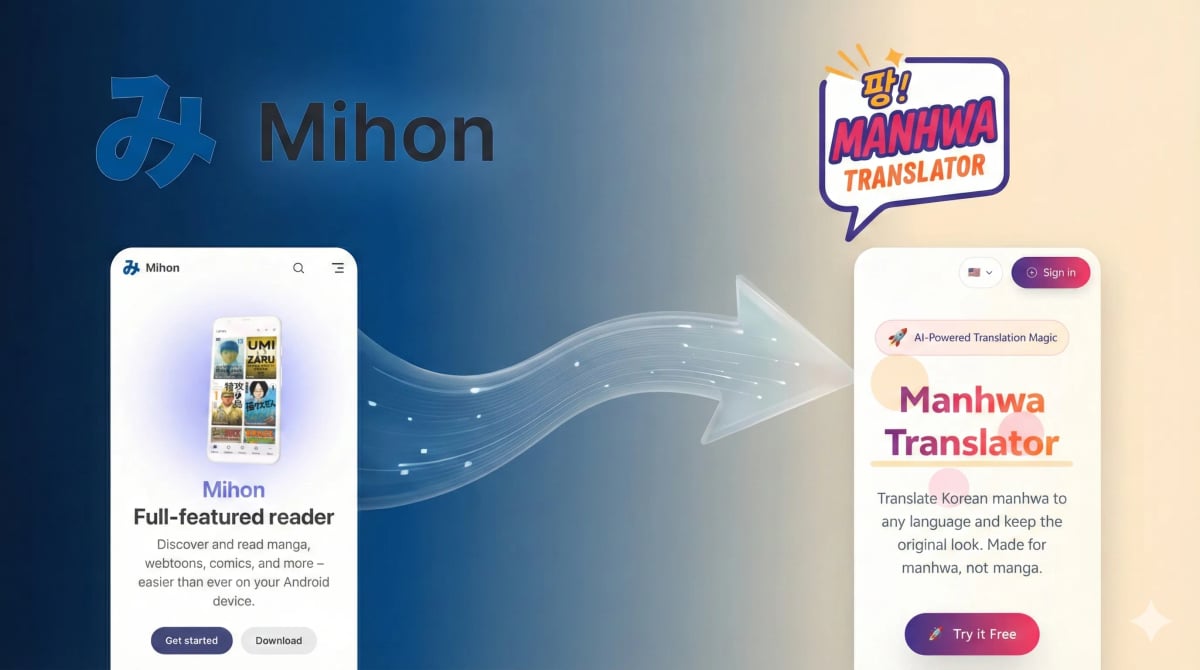
Stop Using "Trash" Apps to Read Manhwa
Just as you reach the best part, an ad pops up covering the subtitles; the translation is stuck at chapter 20, but the raw is already at chapter 100.
Give me 5 minutes to help you build the ultimate Android reader: Clean & Ad-free, plus One-Click Raw Translation. Never beg for updates again!
The Secret Tool: Mihon
Forget browsers. You need Mihon.
It’s open-source, completely free, and has zero ads.
The catch? You won't find it on the Google Play Store.
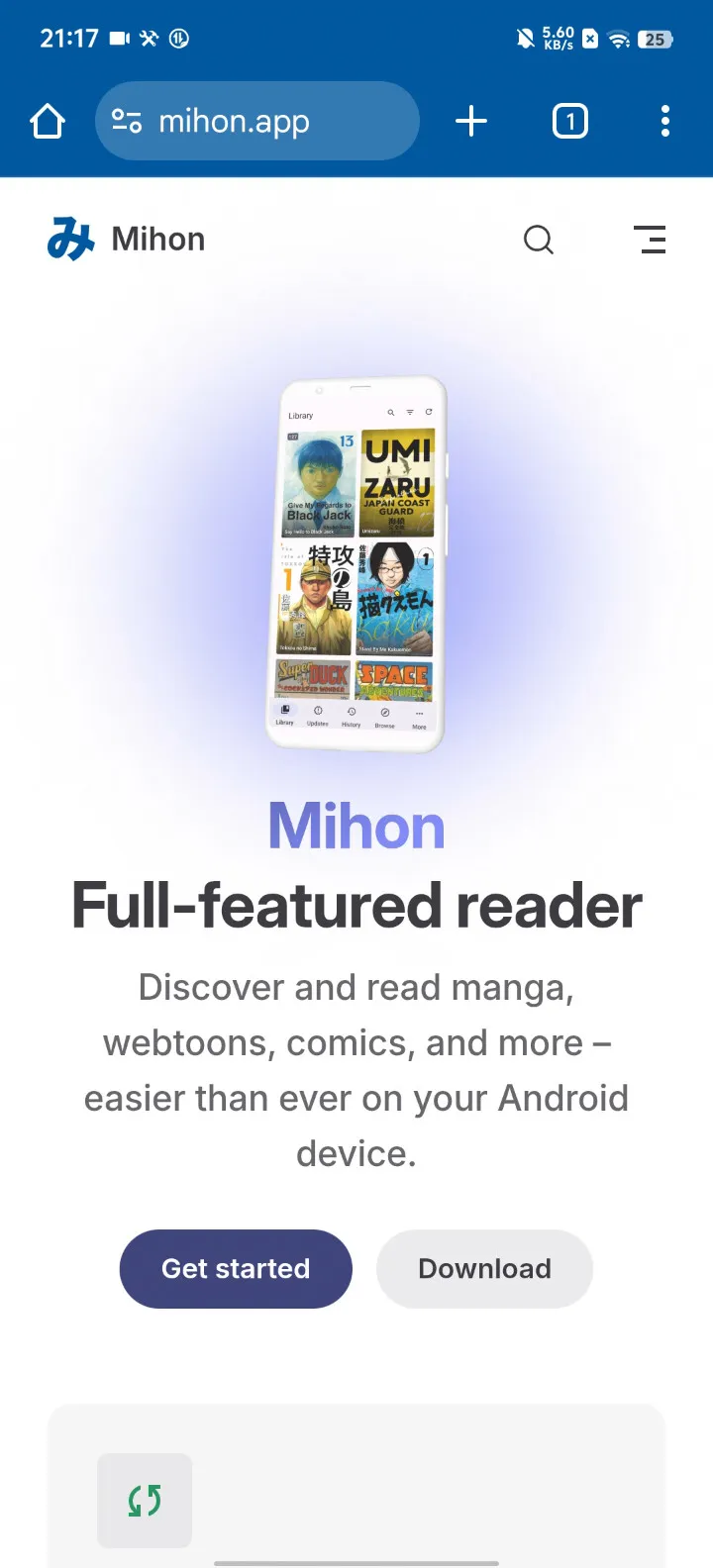
Step 1: Install the App
Since it’s not on the Play Store, you need to install it manually.
- Open your browser and visit mihon.app/download.
- Download the APK file.
- Install it (allow installation from unknown sources if asked).
Step 1.5: Critical Initial Setup
Do not skip this. You must complete these three checks during the first launch, or things will break later.
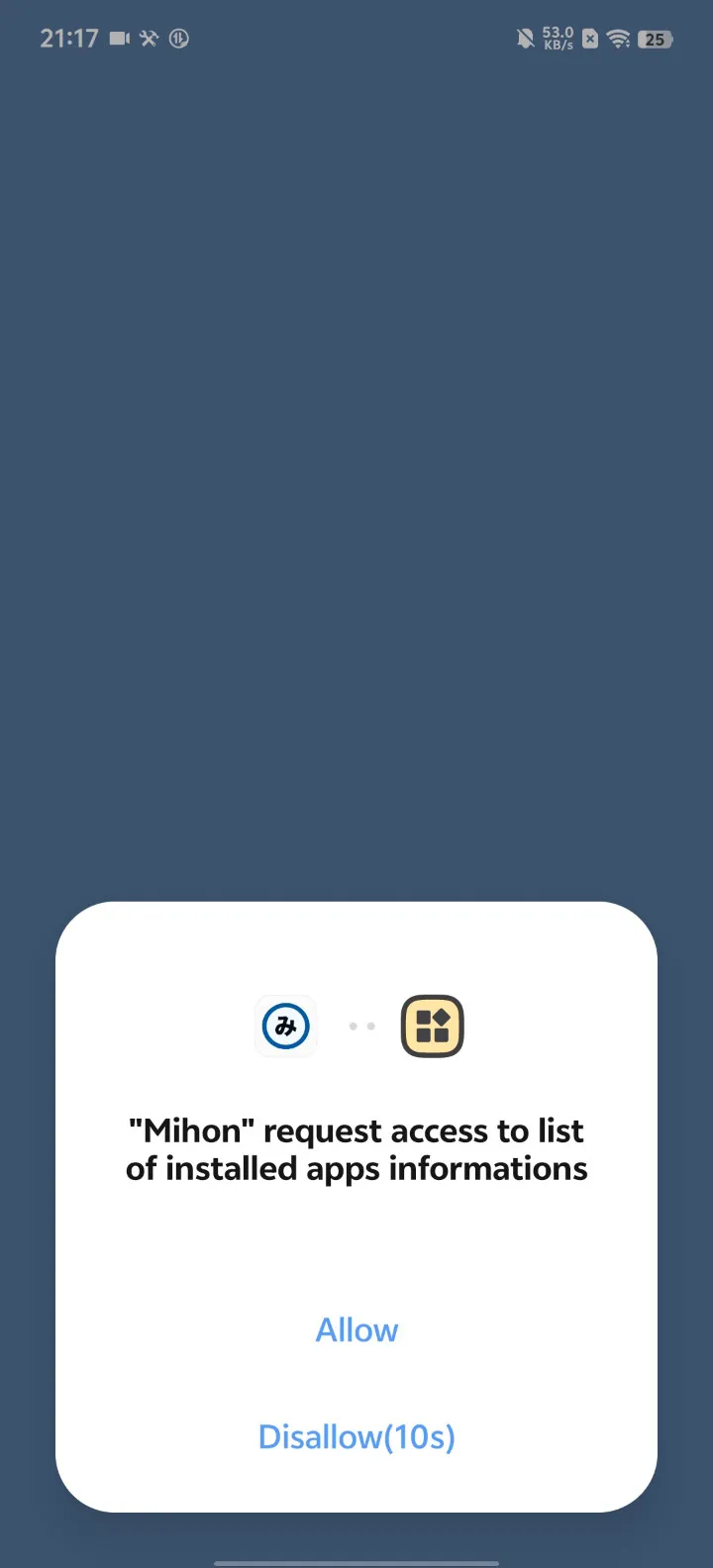
1. Grant "Query all packages" Mihon needs this to detect extensions.
- When prompted: "Allow Mihon to access list of installed apps?" -> Click ALLOW.
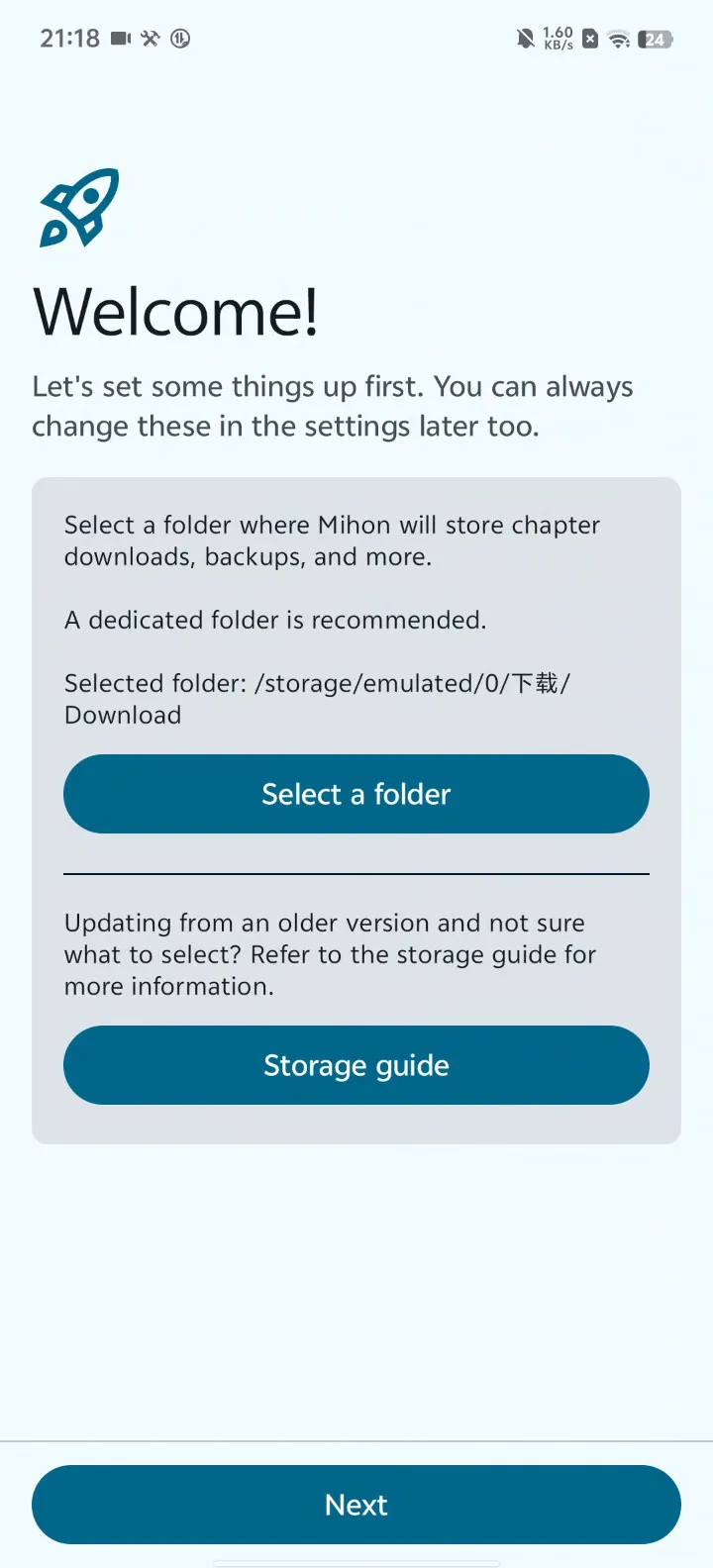
2. Remember Your Download Folder Mihon will ask you to select a storage folder.
- Remember this path. You will need to find it later to upload files for translation.
3. Allow Installing Apps Mihon installs extensions as separate apps. You must grant it permission to do so.
- Find "Install apps permission" in the setup wizard -> Click Grant/Allow.
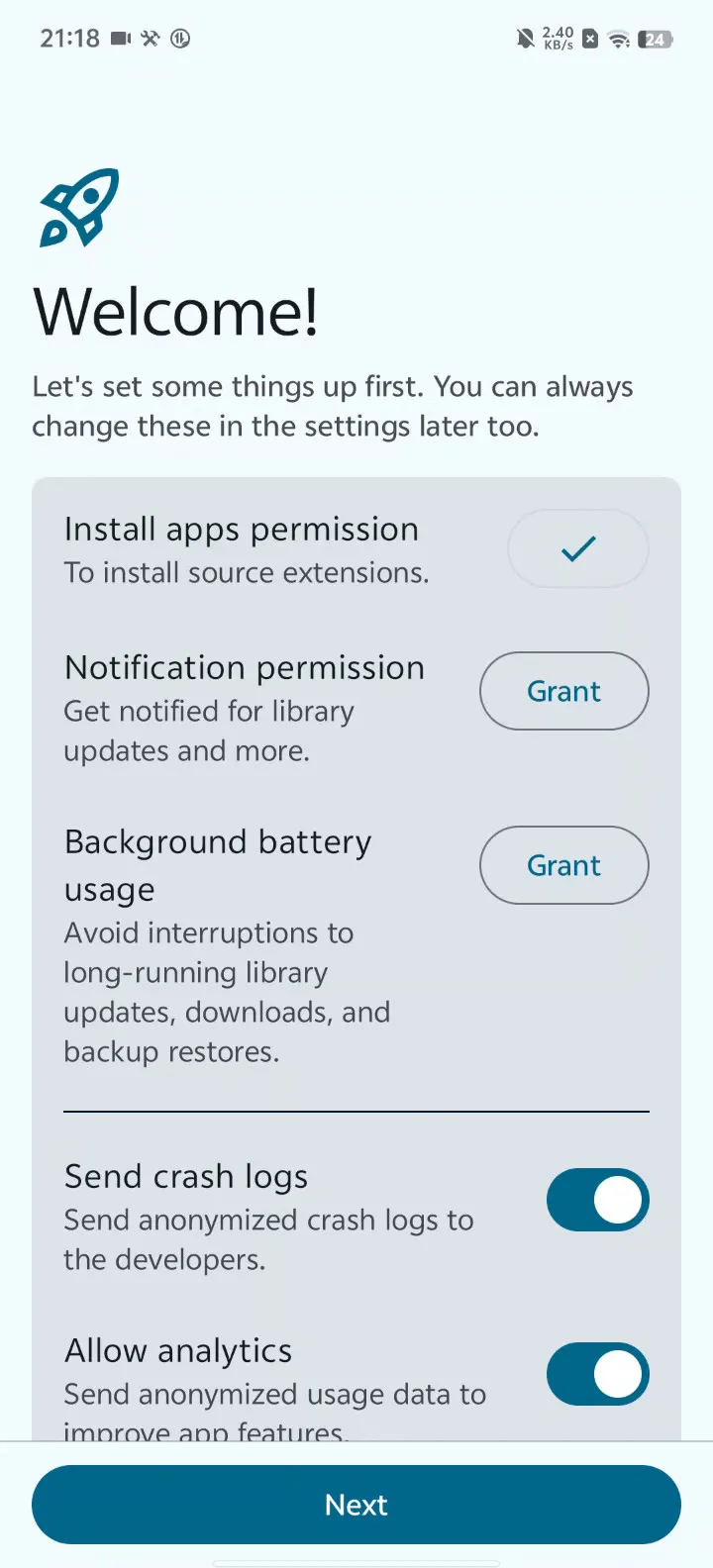
Done! You have finished the initial setup.
Tip: If you missed any of these steps (or clicked "Deny"), the easiest fix is to uninstall and reinstall Mihon to run the setup wizard again.
Step 2: Add Keiyoushi Extensions Repo
Fresh out of the box, Mihon is empty. It’s just a shell. You need to give it "Sources" (extensions) to find content.
Make sure Mihon is successfully installed before proceeding.
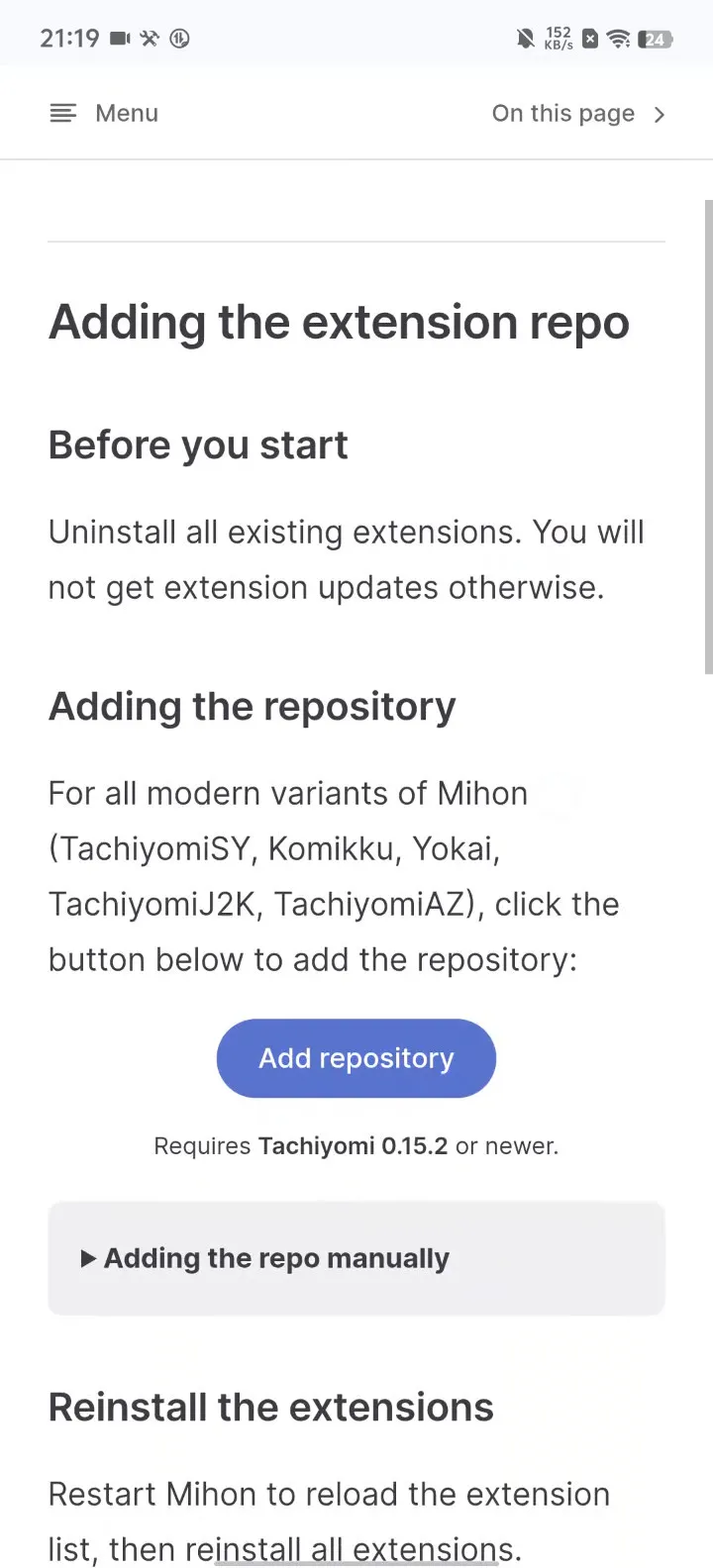
- Visit the Keiyoushi Extensions Repo in your browser.
- Click "Add Repository".
- This will automatically launch Mihon and add the trusted source list.
Step 3: Browse Best Manhwa Sites
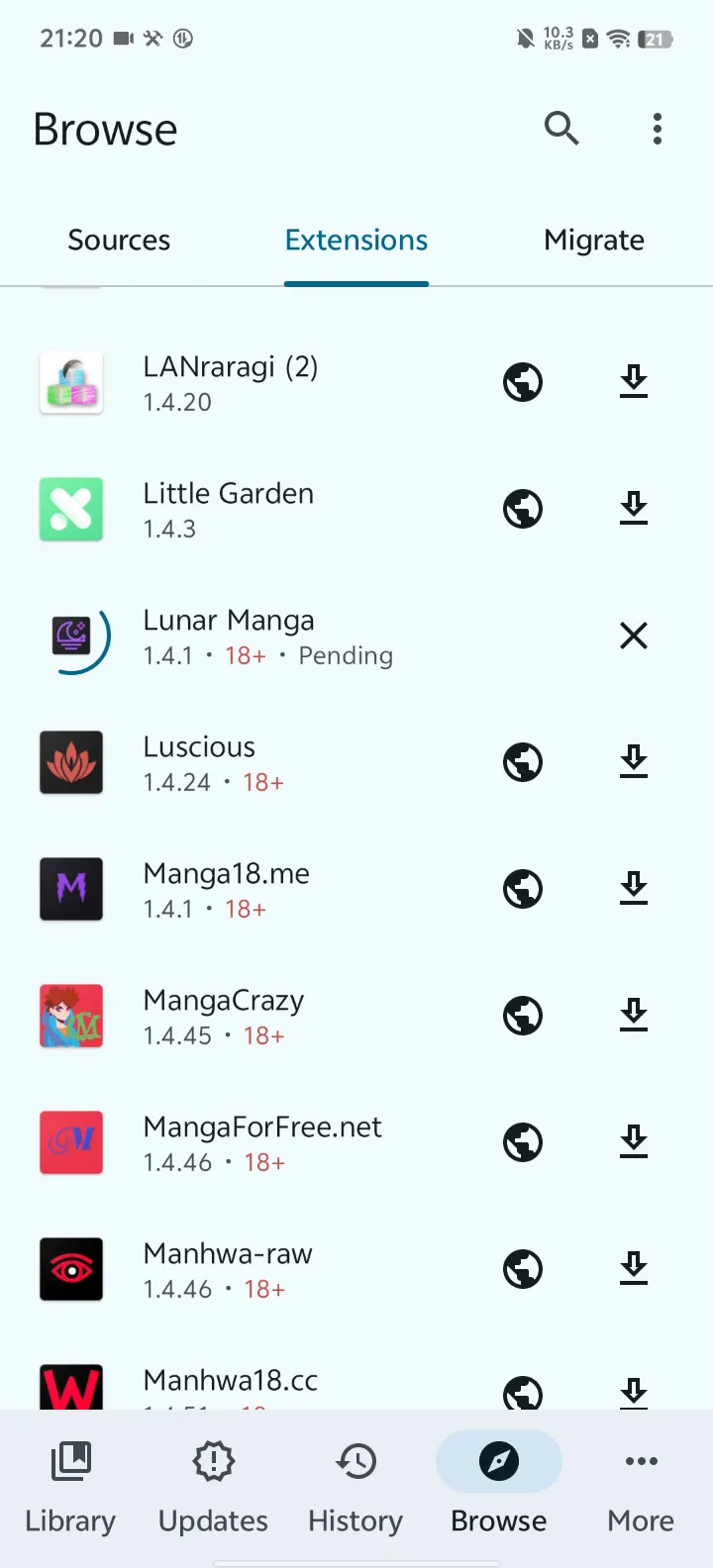
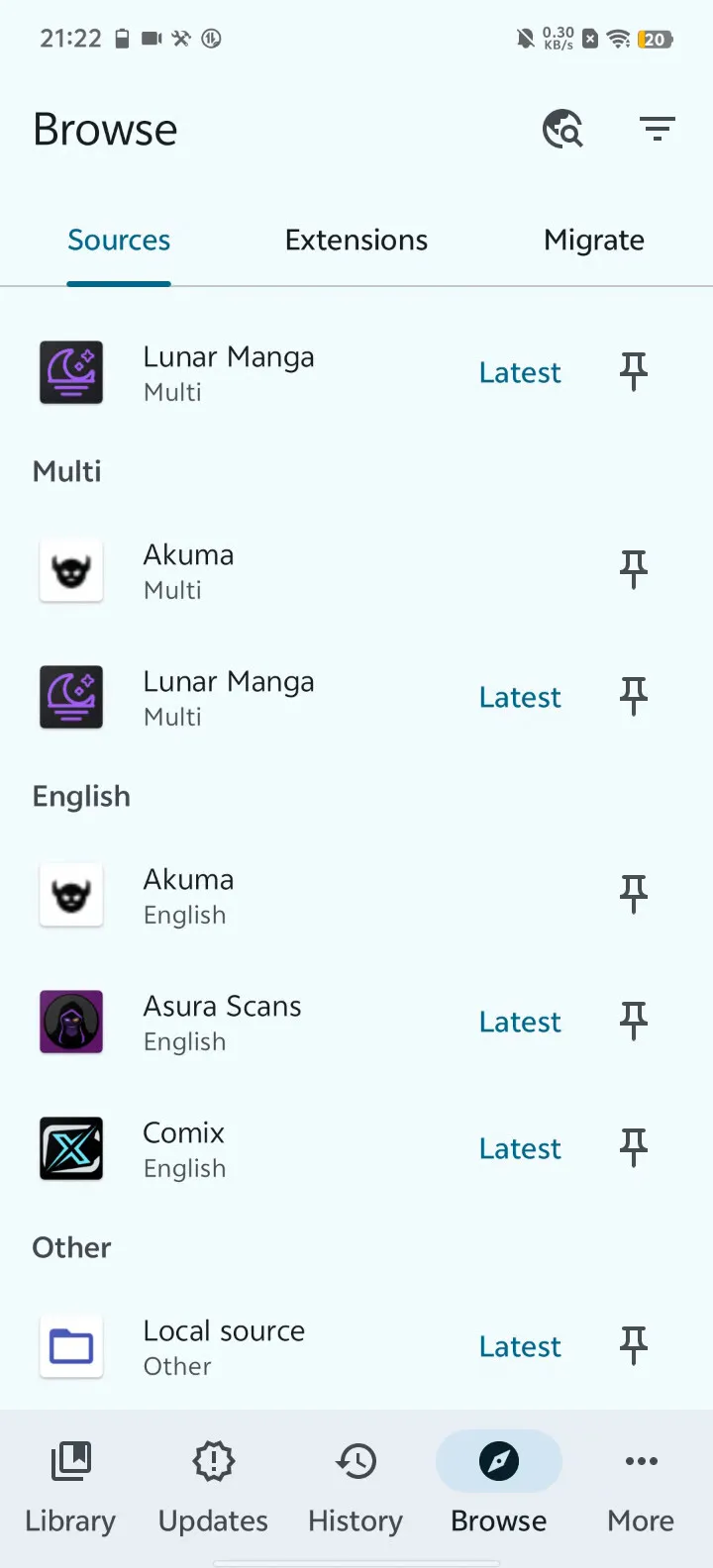
Now, head over to the Browse tab in Mihon.
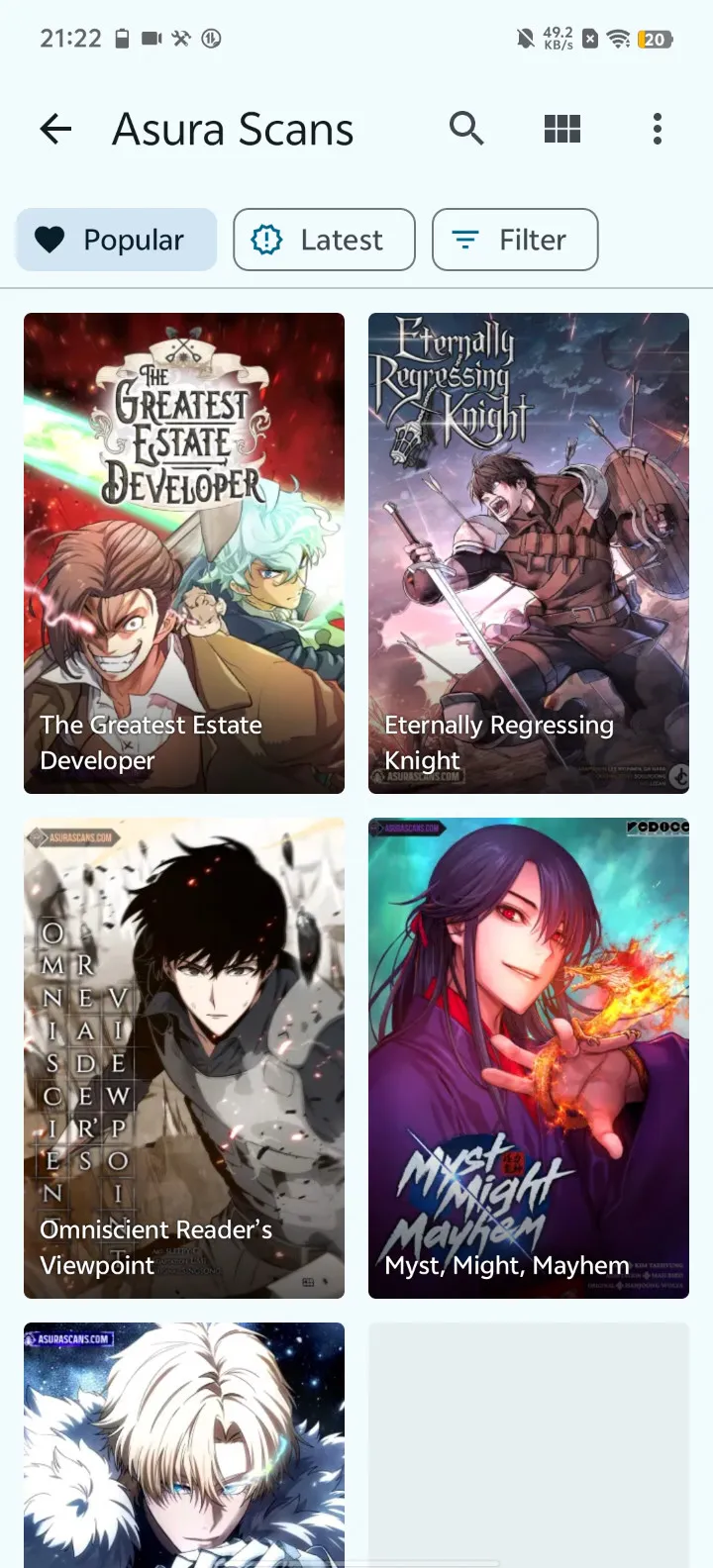
- Install Extensions: Go to the Extensions tab and install plugins for sites you like (e.g., Comick, MangaDex, Asura Scans, Lunar Manga).
- Open a Source: Switch to the Sources tab and tap on any of your installed sources.
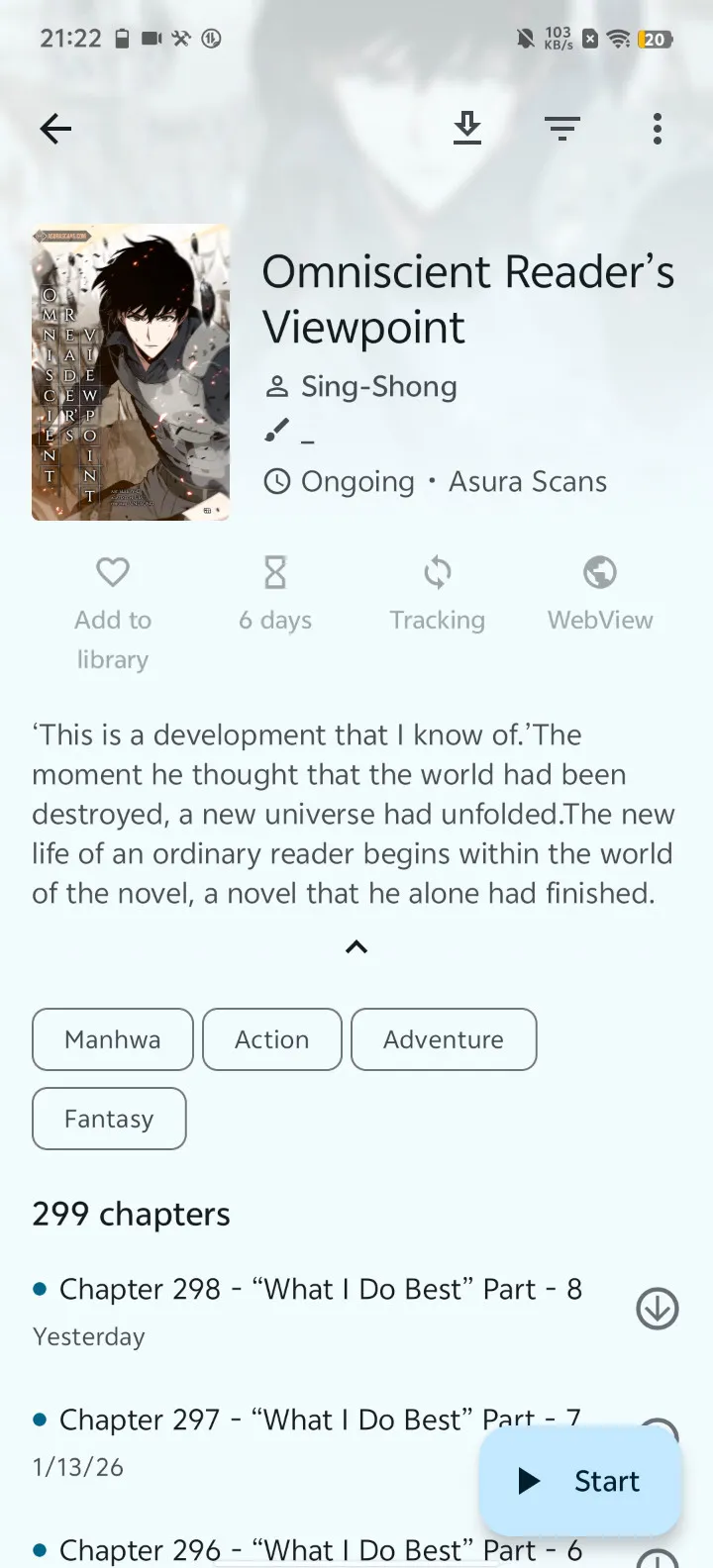
- Find Your Series: Search for "Solo Leveling", "Omniscient Reader", or whatever you’re craving.
- Add to Library: Save them to your library for easy access.
The Game Changer: How to Translate Manhwa to English
Here is where it gets interesting.
Sometimes the best Manhwa hasn’t been localized yet. You find a gem, but you can't read it. You need a way to translate Manhwa to English instantly.
You don't have to wait for scanlation groups anymore.
How to Translate Any Manhwa Instantly
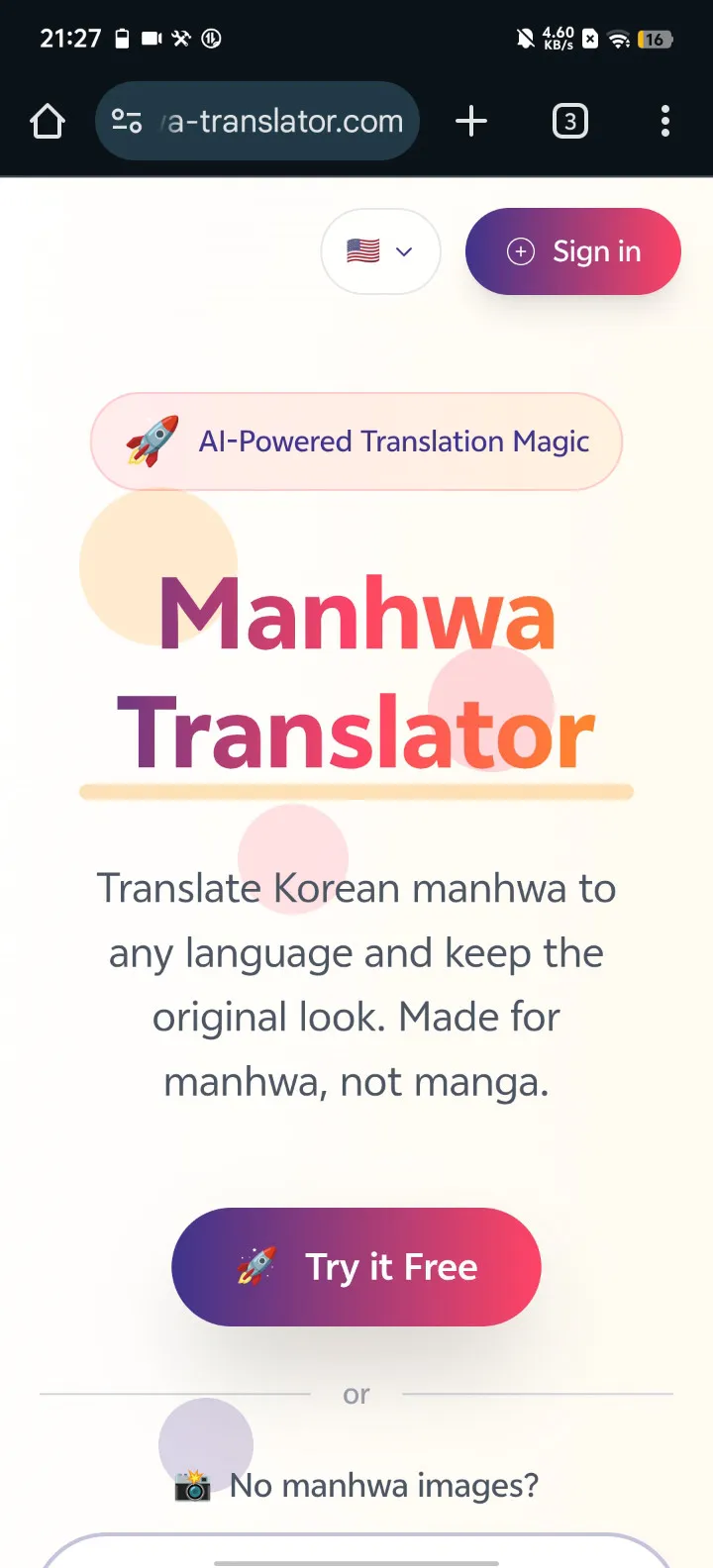
- Download the Chapter: In Mihon, download the raw chapter (Korean, Japanese, Chinese, etc.). It saves as a
.cbzfile. - Upload to Manhwa Translator: Visit manhwa-translator.com and upload the
.cbzfile. - Choose Your Language: Select English, Spanish, French—whatever you read.
- Read: In minutes, you receive a translated version.
This workflow turns the entire world of global comics into your personal library.
Optimize Your Experience
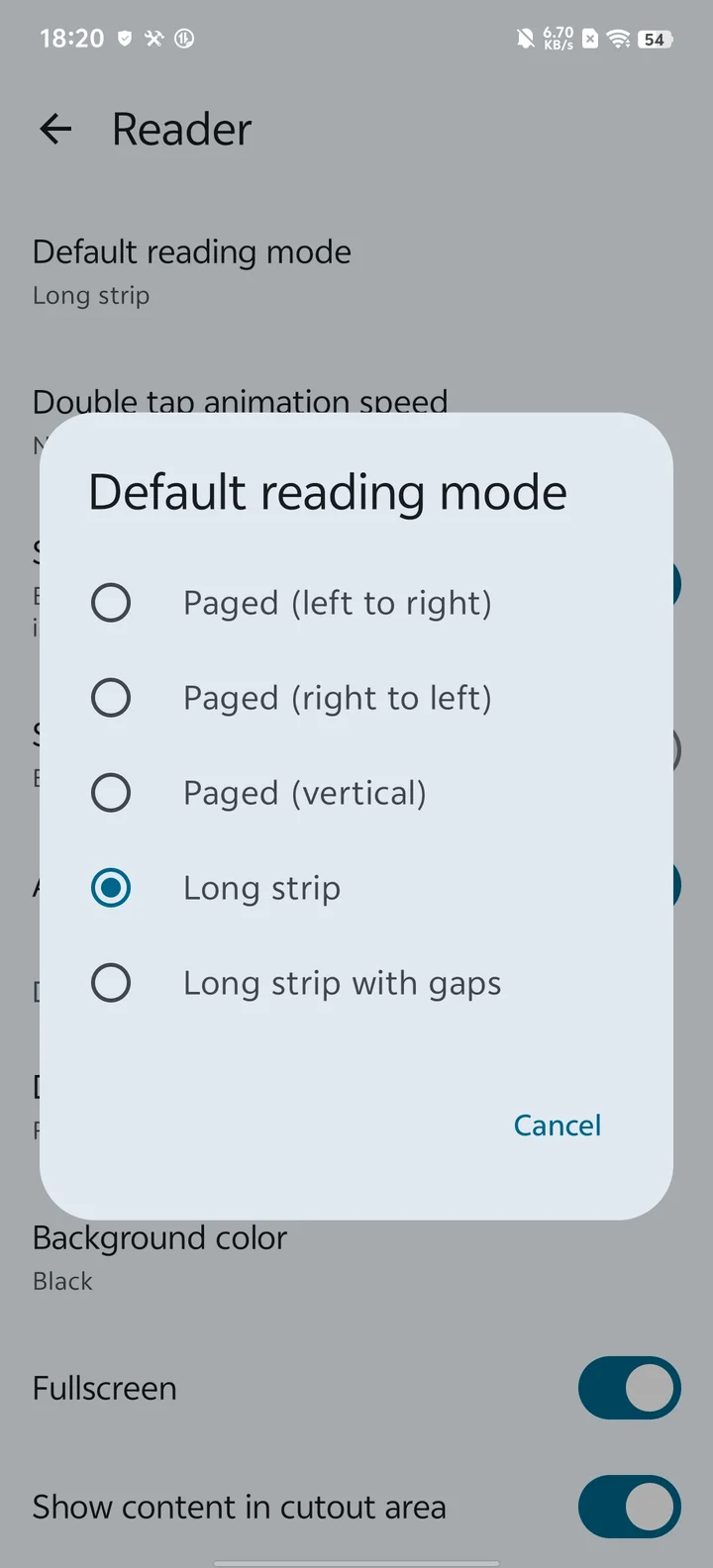
One last tip for the pros: Manhwa is designed to be read vertically. You can change the global reading settings to vertical for the best experience.
- Open Mihon.
- Go to Settings > Reader > Default reading mode.
- Select Long strip.
Now the images flow seamlessly from top to bottom, just as the artist intended.
Summary
- Get Mihon for an ad-free experience.
- Add Repos to find content.
- Use Manhwa Translator to unlock untranslated series.
Stop settling for bad readers. Upgrade your Manhwa Android experience today.