
Building Manhwa Translator: Jan 2026 Update
A look behind the scenes at the new text rendering engine, the "Universal" screen grabber extension, and performance improvements.
Building in Public: The January Overhaul
Hello friends! It’s the developer behind Manhwa Translator here.
I’ve been heads-down coding for the last month, listening to your feedback and rebuilding core parts of the system. My goal is simple: to make the most seamless translation experience possible.
Today, I want to share the "Update Notes" for January 2026—written not just as a changelog, but as a conversation about what changed and why.
1. The Text Rendering Overhaul
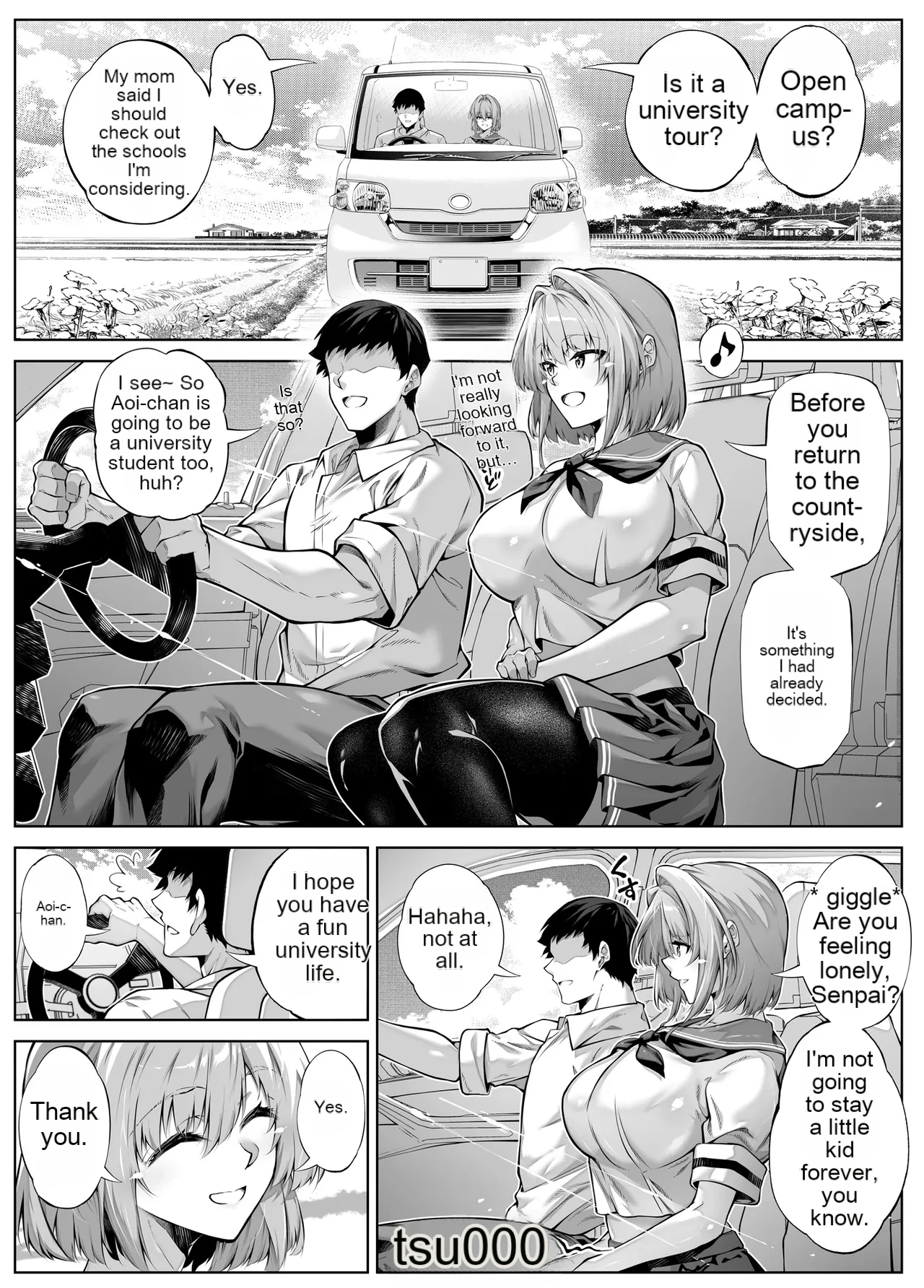
When I launched the initial version, you gave me a reality check. The "bulk translation" idea was cool, but the reading experience wasn't quite there. The text was often too small, and vertical bubbles (common in Chinese and Japanese comics) would break the layout.
I took that to heart. I burned down the old system and rewrote the rendering engine from scratch.
The new engine now analyzes the shape of every speech bubble. It intelligently maximizes the font size so it’s actually legible on mobile screens, without overflowing.
- Smart Flow: Sentence wrapping is much more natural, respecting the rhythm of dialogue.
- Vertical Support: Finally, vertical text is handled natively without glitching.
The difference is night and day. It feels less like a machine translation and more like a scanlation.


2. The "Universal" Extension
This is the biggest addition, solving the #1 friction point: getting the images.
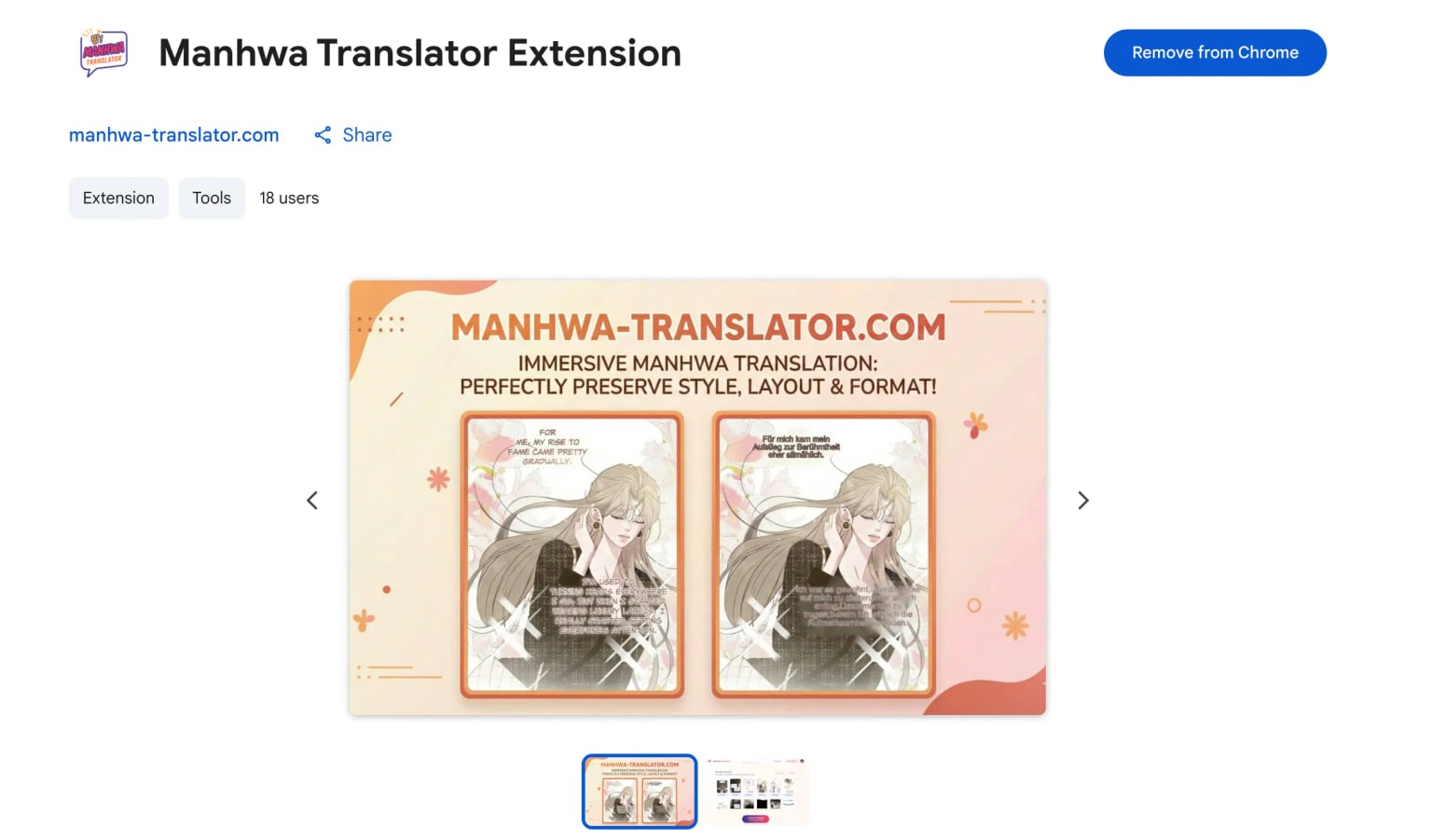
I've released the Manhwa Translator Extension to fix this. You can get it directly from the Chrome Web Store: https://chromewebstore.google.com/detail/klgkmjaeikilcommegjoglomkldmdigd
For many of you, the struggle starts before you even reach my site. You want to translate a chapter, but you can't get the raw images because sites use blob encryption, canvas protection, or strict anti-crawler scripts.
The Solution: Screen Capture, Not Download
Most "Image Downloader" extensions fail on modern sites because they try to find image URLs. I built a new tool that works differently: it captures your viewport.
- How it works: You open a chapter, click the extension button, and it automatically scrolls down the page, taking high-res screenshots of every panel.
- The Philosophy: If your eyes can see it on the screen, this tool can grab it.
Once captured, it seamlessly sends the images directly to the translator. No saving files, no unzipping, no mess. It just works.
(Note: While I can't guarantee 100% compatibility with every site on the internet, it has worked on every major manhwa site I've tested so far.)
3. Performance & Quality Support
I also pushed several under-the-hood improvements to make your life easier:
- Bigger Files (50MB Limit): The old 32MB limit was sometimes just barely too small for high-quality CBZ chapters. The new 50MB cap means less compression and better quality.
- New Formats: Added support for AVIF and BMP files.
- Stability: Fixed the "Out of Memory" crashes that occurred with large batches. The service is now much more robust.
Try It Out
If you tried the site last month and weren't convinced, I invite you to give it another shot. The new engine is a massive leap forward.
As always, I'm building this for you. If you have feedback, find a bug, or just want to chat, feel free to reach out via the support channels.
Happy reading!